Firmware, Translator & Controller-Level Salvage

SSD & NVMe Solid-State Recovery

Low-level microcode repair, Flash Translation Layer (FTL) rebuilding, and controller emulation for failing SATA SSDs and M.2 NVMe solid-state drives.

Deleted Files on an SSD? Why Every Minute Counts

Unlike traditional spinning hard drives—where deleted data stays on magnetic platters until overwritten—modern SATA SSDs and M.2 NVMe drives execute TRIM and background Garbage Collection (GC) automatically. Within minutes to a few hours of deletion while the system remains powered on, the SSD controller physically erases and zeroes out (0x00) those NAND flash blocks—leaving no recoverable trace.

Immediate Action Required: Power the device off immediately and avoid normal reboots or background usage so our engineers can image the raw NAND before Garbage Collection completes. If files were deleted days or weeks ago on an active SSD, TRIM has likely already cleared them permanently. (Disabling TRIM is strictly a preventative measure—consult a qualified computer technician before changing OS storage settings, as disabling TRIM after deletion cannot undo erased blocks.)
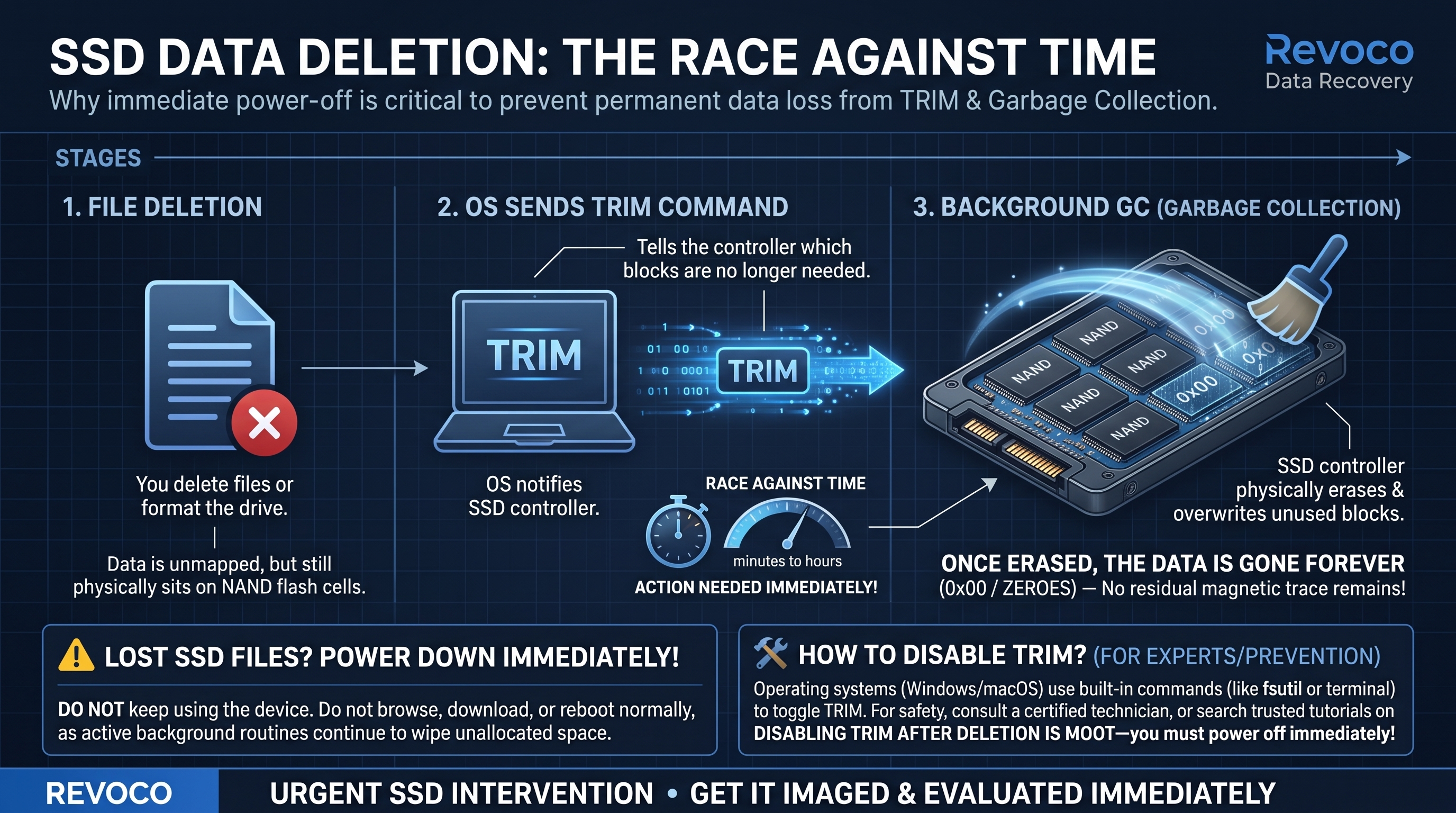
Revoco Infographic
Revoco engineering breakdown: how OS TRIM commands and SSD Garbage Collection erase deleted NAND blocks within minutes to hours unless powered down immediately. (Click diagram to zoom)

What We Recover & Technical Scope

  • Controller Panic & Firmware Locks: Drives reporting 0 MB, 2 MB, or 'SATAFIRM S11' after sudden power loss.
  • Translator (FTL) & NAND Block Reconstruction: Rebuilding dynamic logical-to-physical mapping tables on degraded solid-state media.
  • Encrypted & Modern OS Volumes: APFS, NTFS, and ext4 recovery on failing SSDs (with client BitLocker/FileVault key when encrypted).
Essential Preservation & Safety Rules (What NOT To Do):
  • Disconnect Power Immediately: Leaving a failing SSD powered on allows background TRIM and garbage collection to permanently purge unmapped blocks.
  • Do Not Run Firmware Updaters: Manufacturer firmware updates on unstable controllers frequently wipe user data.
  • Include Encryption Credentials: Supply your BitLocker recovery key or FileVault password if full-disk encryption is active.

Cleanroom & Instrumentation

Drop your photo into /assets/ssd-nvme-recovery.jpg anytime.
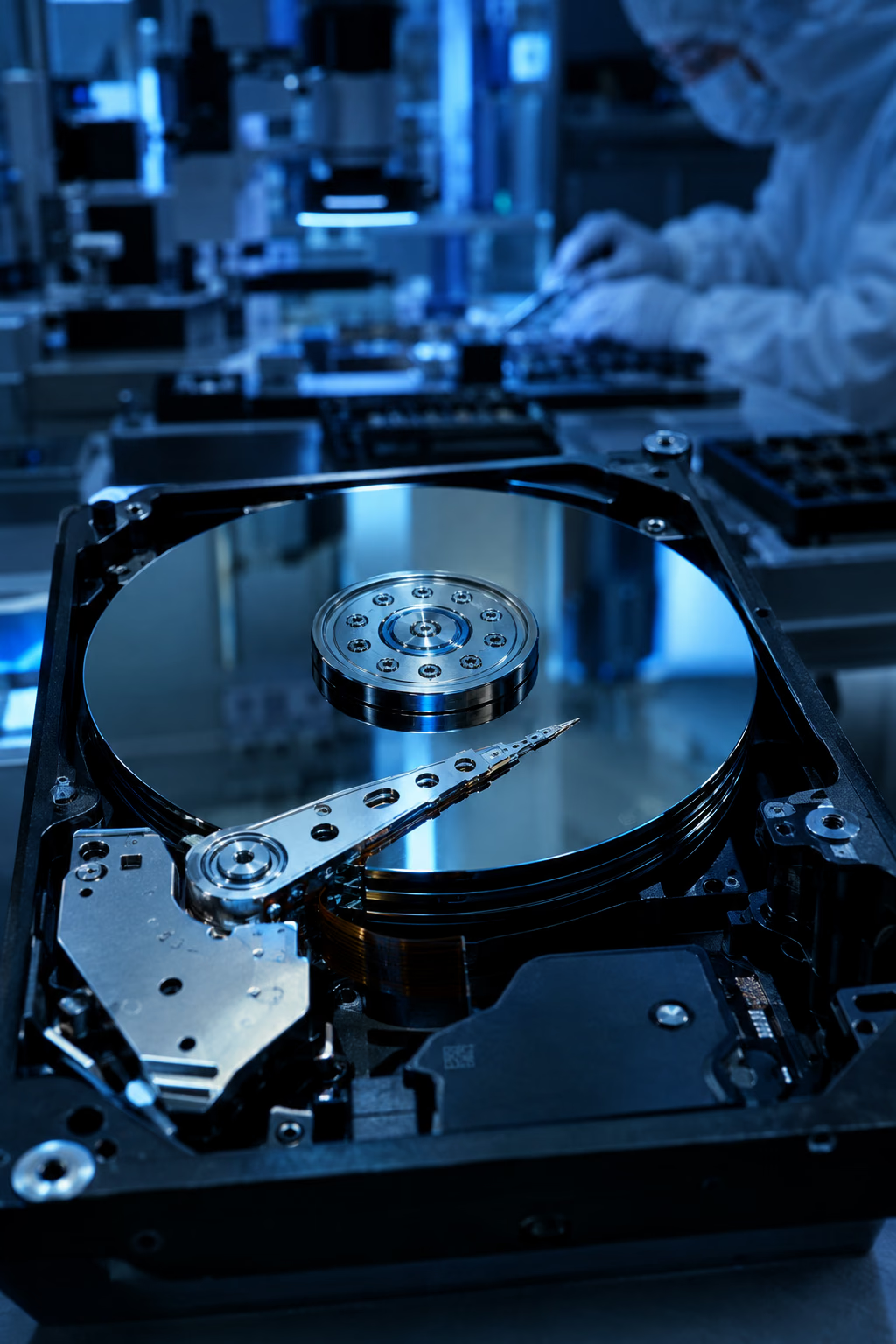
SSD & NVMe Solid-State RecoveryStart Diagnostic Evaluation (TT$450)

Serialized Security Seals & Tracked Couriers

Devices move through vetted agents with uniquely numbered security seals and internationally recognized tracked couriers, and return sealed with numbered tamper-evident VOID seals.